Contact Us

Transaction Reporting: SinglePoint 60-Field Activity Reports

SinglePoint Transaction Reporting gives American commercial clients 60+ filterable fields over every debit and credit that touches their U.S. Bank accounts. Filter by type, currency, originator, beneficiary, value date, BAI type code, user, channel and amount range. Save views, schedule delivery, export to BAI2, MT940, MT942, CSV, XLSX or PDF.

Every report run, every export and every scheduled delivery is captured in the SinglePoint audit trail with user, timestamp, IP address and criteria hash — retained 7 years in alignment with OCC record-keeping expectations.

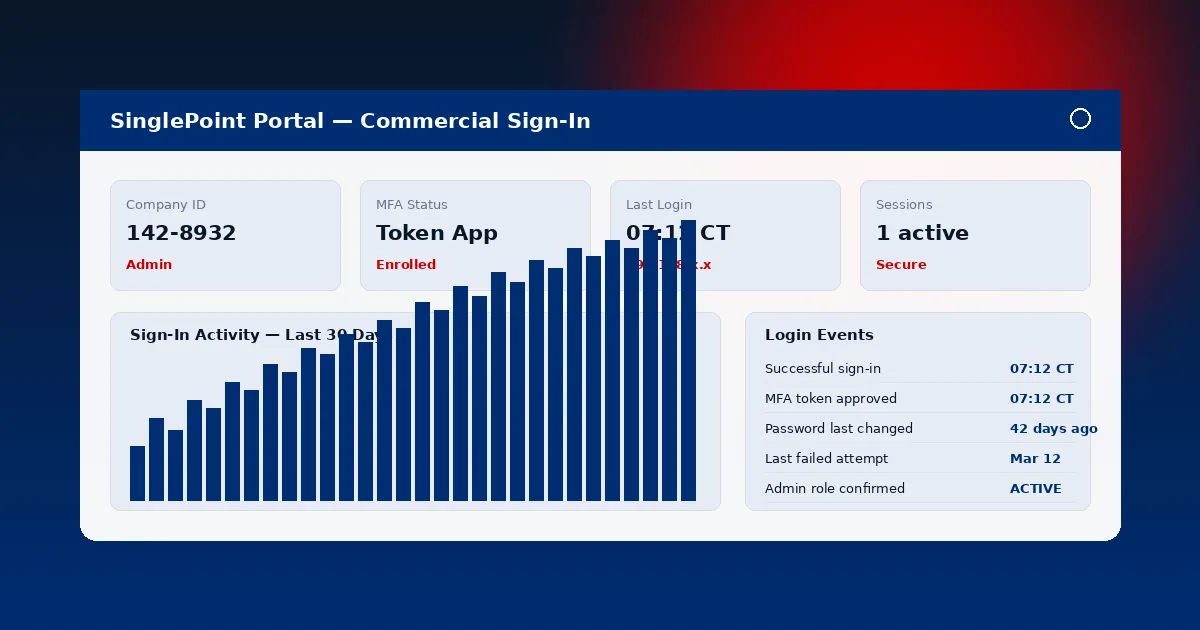
Sign In to SinglePoint Custom Report Builder
SinglePoint Transaction Reporting interface with 60-field filter grid, saved views and export options

What Fits in 60 Fields

Transaction Reporting exposes every dimension Treasury, Audit, Finance and Compliance can possibly need from a posted payment event.

Reporting Dimensions

  • Identity — transaction ID, reference number, originator name, beneficiary name, account holder, legal entity.
  • Classification — transaction type, BAI type code, SWIFT MT type, NACHA SEC code, debit/credit indicator.
  • Timing — value date, posting date, effective date, cut-off flag, settlement date.
  • Money — amount, currency, FX rate, FX date, counter-currency equivalent, fee amount.
  • Channel & User — input channel, initiating user, approving user, releasing user, session IP, device type.

Saved Views and Scheduled Delivery

Transaction Reporting operationalises reporting — configure once, run forever.

Personal Views

Save a filter, column set, sort order and grouping as a named view. Personal views are visible only to the author and survive password resets, device changes and SinglePoint version upgrades. Common personal views include "My wires today" and "Last week's ACH returns".

Team Views

Share a view with a named team of SinglePoint users. Team views synchronise across Company Administrator populations so every analyst sees the same columns for a given month-end close or audit deliverable.

Locked Company Views

Company Administrators can lock canonical views for audit reproducibility. Once locked, the filter criteria, column set and schedule can only be modified by another Administrator with dual control.

Scheduled Delivery

Schedule any saved view daily, weekly or monthly to SFTP, secure email or API pull. Large result sets stream without browser timeout. Delivery receipts capture recipient, bytes transferred and SHA-256 checksum for audit.

Report Library

SinglePoint ships six canonical Transaction Reporting templates out of the box. Each template is configurable, schedulable and exportable in every supported format.

ReportFieldsFormat OptionsSchedule
All Activity60BAI2, MT940, CSV, PDFDaily / Weekly / Monthly
Wire Detail42MT940, CSV, PDFDaily / On-demand
ACH Activity38BAI2, NACHA, CSVDaily / Weekly
Positive Pay Exceptions22CSV, PDFIntraday / Daily
Returns & Reversals34CSV, XLSX, PDFDaily / Monthly
User Activity Audit18CSV, PDFWeekly / Monthly

SinglePoint Audit Trail

Every Transaction Reporting event — ran, scheduled, exported, modified — is captured with 7-year retention.

60+Filterable Fields
7 yrsAudit Retention
6Export Formats
3Delivery Channels

Format Reference for Transaction Reporting

BAI2 and MT940

BAI2 (Bank Administration Institute version 2) is the dominant US bank statement interchange format. MT940 is the SWIFT equivalent. SinglePoint Transaction Reporting generates both natively — no post-processing. BAI2 type codes and SWIFT transaction codes are mapped consistently across every report run so TMS engines ingest cleanly.
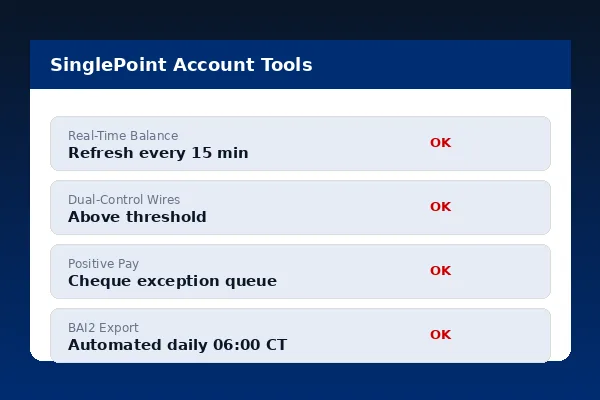
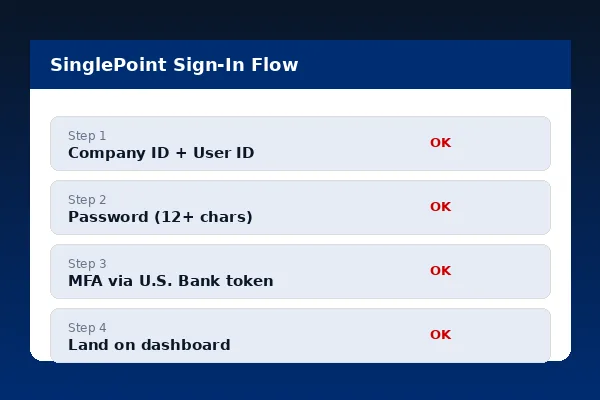
BAI2 and MT940 export selector in SinglePoint Transaction Reporting
CSV and PDF preview for SinglePoint Transaction Reporting

CSV, XLSX and PDF

CSV and XLSX export for ad-hoc analysis in Excel, Google Sheets or Power BI. PDF export for signed audit deliverables with a locked layout. PDF reports carry a cryptographic manifest — recipients can verify the report was generated by the SinglePoint production environment and has not been altered post-generation.

Per OCC record-keeping guidance, retention for commercial transaction records aligns with 7-year default — SinglePoint Transaction Reporting encodes this natively.

People Also Ask

How many fields can I filter on?
60+ filterable fields across identity, classification, timing, money, and channel/user metadata. Combine with Boolean logic and save as named views.
What export formats are supported?
BAI2, MT940, MT942, CSV, XLSX and PDF. On-demand or scheduled delivery to SFTP, secure email or API pull.
Can I save filters for repeated use?
Yes. Personal, team-shared or company-wide saved views retain filters, columns, sort and grouping. Administrators can lock views for audit reproducibility.
Is there an audit trail?
Yes. The SinglePoint audit trail captures every report run, export, schedule creation and modification with 7-year retention in alignment with OCC record-keeping expectations.
What is a BAI type code?
BAI type codes are industry-standard transaction classification codes from the Bank Administration Institute, shown alongside the human-readable description in Transaction Reporting.

Commercial Banking Portal — Topic Cluster