Contact Us

Mobile Banking: SinglePoint iOS & Android App

SinglePoint Mobile Banking puts the commercial banking portal in the approver's pocket. Approve wires and ACH batches, view real-time balances, deposit cheques via mobile capture, receive push alerts and manage dual-control queues from iOS 16+ and Android 13+ devices. Biometric sign-in via Face ID, Touch ID and Android BiometricPrompt replaces the password for unlocking active sessions.

Feature parity with the desktop portal covers every reporting dimension, every payment release and every user-management action the Approver and Administrator personas need on the move. WCAG 2.2 AA, ADA compliant, localised for English and Spanish.

Sign In to SinglePoint Mobile Security
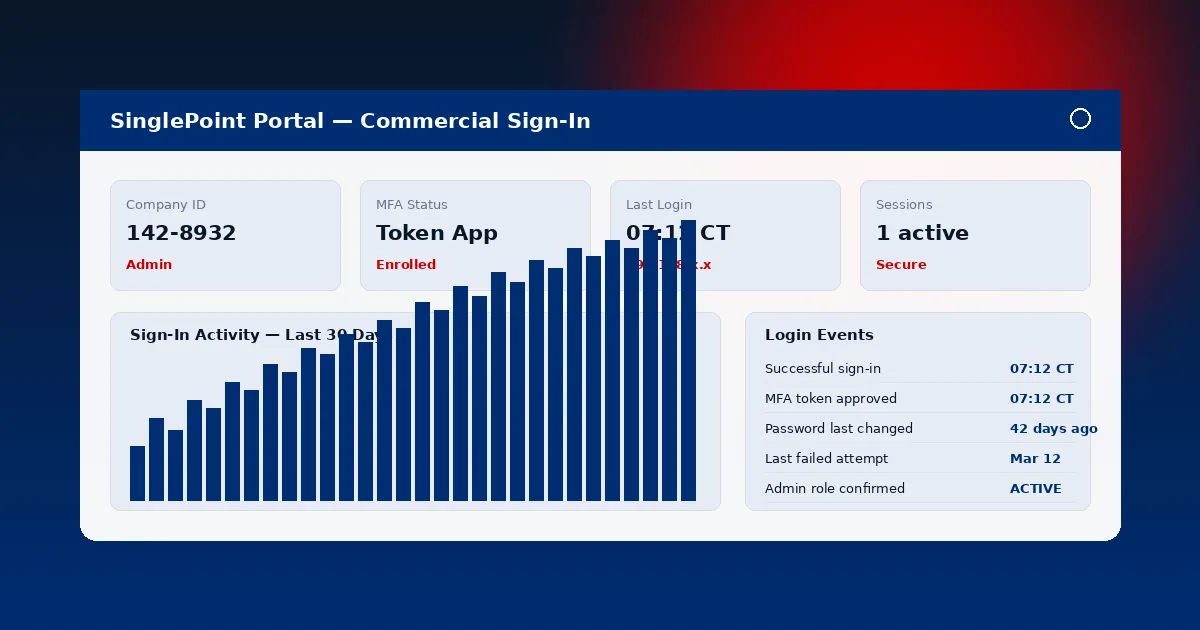
SinglePoint Mobile Banking app running on iPhone and Android showing balances, wire approval and mobile check capture

What SinglePoint Mobile Banking Does

The SinglePoint iOS and Android apps cover every capability a mobile-first commercial user needs.

Experience Profile

  • Approve Wires and ACH — dual-control queues rendered with approve / reject / escalate controls.
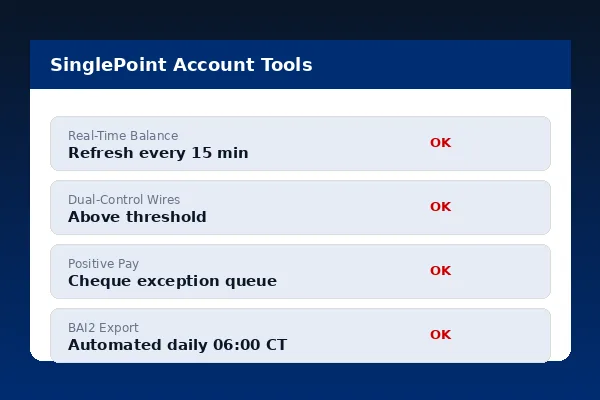
  • View Balances — full Account Summary parity with desktop, refreshed every 15 minutes intraday.
  • Mobile Check Deposit — photograph and submit paper cheques for deposit.
  • Push Alerts — balance thresholds, payment approvals, security events.
  • Offline Read-Only — last-fetched balances and approvals viewable without a live connection.

Biometric Sign-In and Device Security

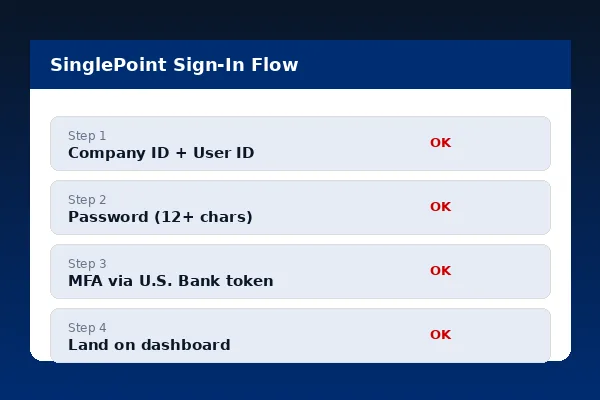
SinglePoint Mobile Banking layers device biometrics on top of Company ID, User ID, password and one-time passcode authentication.

Face ID and Touch ID (iOS)

Secure Enclave-backed Face ID and Touch ID unlock an active SinglePoint session. Biometric data never leaves the device — SinglePoint receives a cryptographic attestation, not the biometric itself. Fall-back to device passcode is explicitly allowed; fall-back to password is not, by design.

Android BiometricPrompt

Android BiometricPrompt with a Class 3 biometric sensor unlocks the session. TrustZone / StrongBox-backed key attestation ensures the signing key is bound to the hardware. Pattern and PIN fallback is supported per device policy; root detection refuses to activate biometrics on rooted devices.

Jailbreak and Root Detection

SinglePoint Mobile Banking refuses to launch on jailbroken iOS or rooted Android devices. Integrity checks run at launch and at each privileged action. A rejected device surfaces the 1-800-377-3404 support number and logs the rejection in the audit trail.

Push Notifications

Push notifications use Apple Push Notification service and Firebase Cloud Messaging. Notification payloads never include PII or balance amounts — they signal "review and sign in" only. Tapping a notification deep-links into the relevant SinglePoint screen after authentication.

Feature Parity Matrix

Every core SinglePoint capability is available on mobile. A narrow set of features remain desktop-first due to screen real estate — Custom Reports drag-and-drop, bulk NACHA file upload, positive pay exception mass-decisioning.

FeatureiOSAndroidWeb Parity
View BalancesYesYesFull parity
Approve WiresYesYesFull parity
Approve ACH BatchesYesYesFull parity
Mobile Check DepositYesYesMobile only
Transaction ReportingView and exportView and exportFull parity
Custom Reports BuilderView onlyView onlyDesktop only

SinglePoint Mobile Banking OS Support

Current and current-minus-one OS versions, updated annually.

iOS 16+iPhone & iPad
Android 13+Play Protect devices
WCAG 2.2Level AA Compliance
2Languages (EN, ES)

Accessibility and Inclusive Design

WCAG 2.2 AA

SinglePoint Mobile Banking is built to WCAG 2.2 Level AA. Every interactive control has an accessible name, role and state. Colour contrast meets 4.5:1 for body text and 3:1 for large text. Focus indicators are visible on every interactive element. Motion reduction preferences are respected for users with vestibular sensitivity.

SinglePoint Mobile Banking accessibility features with large text and high contrast
SinglePoint Mobile Banking VoiceOver and TalkBack screen reader support

VoiceOver and TalkBack

VoiceOver on iOS and TalkBack on Android are fully supported. Every screen passes screen reader linting before release. Dynamic Type on iOS and font scaling on Android scale content gracefully up to 200% without layout breakage. Right-to-left layout is not enabled today but is engineered to switch on for future language packs.

Per FTC guidance and ADA Title III, SinglePoint Mobile Banking treats accessibility as a first-order requirement, not a post-release afterthought.

People Also Ask

What can I do in the SinglePoint Mobile Banking app?
Approve wires and ACH batches, view balances, deposit cheques via mobile capture, receive push alerts, scroll Account Summary and Transaction Reporting, manage dual-control queues.
Is biometric sign-in supported?
Yes. Face ID, Touch ID on iOS 16+; Android BiometricPrompt on Android 13+. Biometric data never leaves the device.
What OS versions are supported?
iOS 16+ on iPhone and iPad; Android 13+ on Play Protect devices. Jailbroken or rooted devices are rejected at sign-in.
Are there features exclusive to mobile?
Mobile check capture is mobile only. Push notifications are mobile-first. Every other feature maintains parity with the web portal.
Is the app accessible?
Yes — WCAG 2.2 Level AA, ADA compliant, VoiceOver and TalkBack supported.

Commercial Banking Portal — Topic Cluster